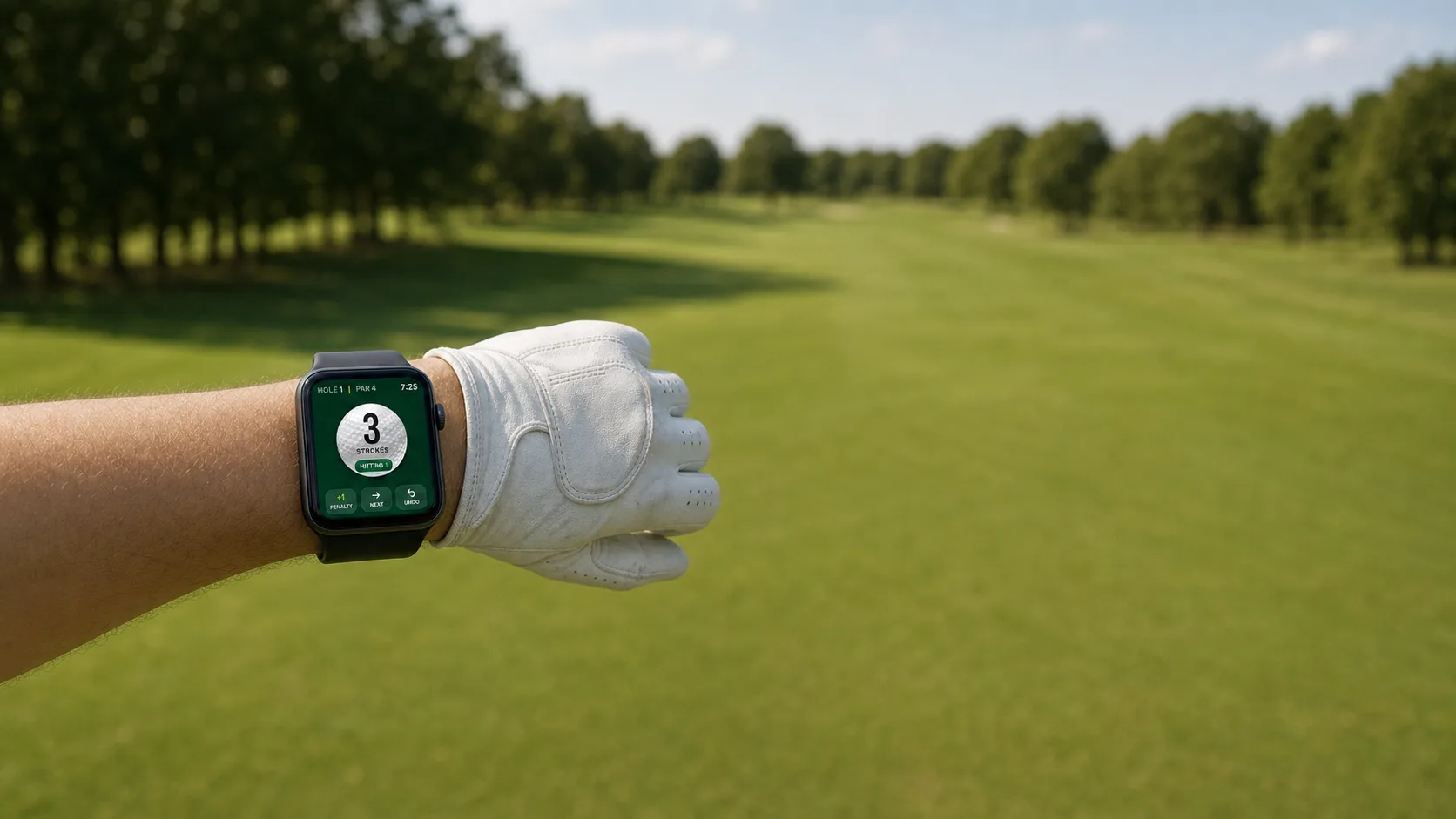
Tap after each shot. SimplyStroke keeps the hole total, the round total and your score to par, then finishes the scorecard for you. No GPS, no math, no losing count on the walk to the green.
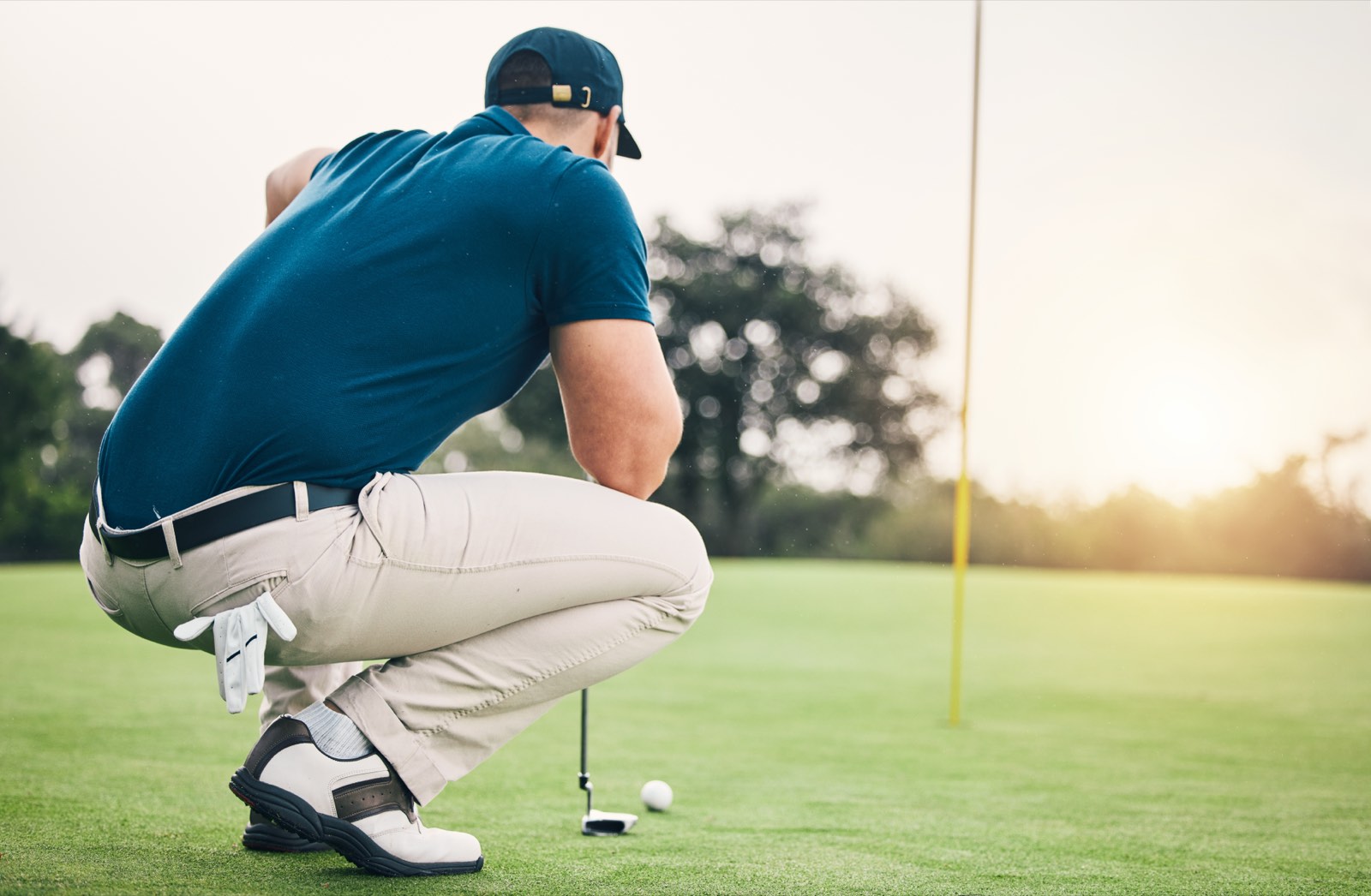
There is a specific moment this page is about. You reach the green, stand over your ball, and realize you have absolutely no idea whether this putt is for four or for five. So you reconstruct it backwards. Driver. The chip that came up short. Was there a punch-out from under the tree, or did you only think about one?
Every golfer has had that moment. Some golfers have it every hole. A one-tap counter exists to make it stop.
What is a golf stroke counter?
Under the USGA Rules of Golf, a stroke is any forward motion of the club made with the intent to hit the ball. Whiffs count. Penalty strokes count. A stroke counter records each one as it happens so you do not have to hold the number in your head.
If you searched for “golf shot counter” or “golf score counter,” you are looking for the same thing. The terms are interchangeable. “Stroke” is the Rules word; “shot” is what most people say on the course.
Almost every app that claims to “track your strokes” is doing something else entirely.
A shot tracker analyzes your golf. Arccos and Shot Scope screw sensors into your grips, watch where the ball goes, and hand you strokes-gained numbers. They are excellent, and they are trying to make you better.
A stroke counter has no opinion about your golf. It does not know which club you hit or how far it went. It knows you swung, and that is all it needs to know.
One is a coach. The other is a memory. If you searched for a “golf shot tracking app” and got results that want $200 a year and a set of sensors, that is because you were using the coach's word for the memory's job.
Apple Watch built in
The count stays on your wrist.
Log the shot where the number is easiest to reach. The same round stays in sync on your nearby iPhone, and solo scoring keeps working when the course signal disappears.
Read that table honestly and the pencil is not embarrassed by it. A pencil is free, needs no charging and is accepted at every course on earth. Its one flaw is fatal, though: a pencil records the number after the hole is over, which means you still had to carry it in your head for the whole hole. That is the entire problem, and it is why “I lost count and I don't know what I shot” happens to careful, attentive people every weekend.
Golf clicker, bead counter, or stroke counter app?
Golf clickers, bead counters and stroke-counter bracelets have been around for decades. A mechanical clicker clips to your bag or wraps around a finger; a bead counter is a string of beads you slide after each swing. Both solve the mid-hole problem the same way an app does: one physical action per stroke, so the number is never just in your head.
The advantage is obvious: no battery, no screen, no technology to learn. If all you need is a running count for the current hole and you are happy transferring that number to paper at the green, a clicker or bead counter does that job for a few dollars.
Where they fall short is everything after the count. A clicker does not total the card, does not track par, does not give you a finished scorecard you can review after the round, and cannot undo a misclick except by carefully counting backwards. A stroke counter app adds all of that without adding any extra taps during the hole. SimplyStroke records the stroke in one tap on your Apple Watch, totals the round as you go, and hands you a complete scorecard when you finish.
Best golf stroke counter: what to look for
There are a handful of one-tap counters in the app stores. Most were built in a weekend and abandoned. Here is the short list that predicts whether you will still be using one in October:
One tap per stroke. Truly one. If you have to open a grid, find the hole, and increment a cell, that is three taps and a decision, and you will stop by the fourth hole.
An undo. You will fat-finger it. A count you cannot trust is worse than no count at all.
Works with a glove on, at arm's length, in sun. One enormous target, not a row of small ones.
Works offline, and on your wrist. Your solo round is saved on your device and needs no course signal, and the best home for it is the watch you never have to reach for.
No account before your first round. Nobody wants to make a password on the first tee.
None of which makes the big apps bad. If you want strokes-gained analytics, buy Arccos. If you want yardages, get a GPS app. We wrote an honest breakdown of how SimplyStroke compares to the big golf apps, including the things they do that we don't.
The honest version
If you want to get better at golf, this is not the app. Buy sensors, get a coach, track your strokes gained. Those things work and SimplyStroke does not compete with them.
But if the only thing that keeps going wrong is the count. You reach the green and genuinely do not know whether that putt is for four or five. That is a different problem, and none of the big apps solve it, because they are all busy solving something bigger.
Keep the number out of your head.Golf already gives you enough to think about.
If you lose count more than most people do
Some golfers lose the count occasionally. Some lose it every single hole and have spent years being told to concentrate harder. That is not carelessness. Holding a running number across a ten-minute hole while planning shots, walking and looking for a ball is a prospective-memory task, and prospective memory is measurably harder if you have ADHD. We wrote about that, with the research, here: ADHD and golf: why the count vanishes.
Common questions
What counts as a stroke?
Every time you make a swing at the ball it counts as one stroke, and so does a penalty. With SimplyStroke you tap once per swing, including whiffs and penalty strokes, and the app keeps the running total so you never have to reconstruct it on the green.
Does it work on Apple Watch?
Yes. SimplyStroke runs on Apple Watch as well as iPhone, so you can tap the count on your wrist without taking your phone out of your pocket. The watch is the best home for a stroke counter because it is the only screen you never have to reach for.
Does it work without signal?
Yes. SimplyStroke's solo scoring is saved on your device and needs no course signal, so a dead zone on the back nine never costs you your round. (Live group scoring does need a connection.) If an app that only counts to five stops working on the back nine, that is a design choice, not a technical limit.
Is it free?
Yes. SimplyStroke is free on the App Store for iPhone and Apple Watch, and it also plays in your browser at app.simplystroke.app. No account is needed to start a round. Android is coming soon to Google Play.
What is the difference between a stroke counter and a GPS or shot tracker?
A shot tracker analyzes your golf; a stroke counter only counts it. Shot trackers such as Arccos and Shot Scope use club sensors and GPS to work out which club you hit and how far it went. A stroke counter has no opinion about your golf. It just makes sure the number is right when you reach the green.
Is a golf shot counter the same as a stroke counter?
Yes. "Golf shot counter," "golf score counter," and "golf stroke counter" all describe the same thing: something that records how many swings you have taken. "Stroke" is the official USGA term, but most golfers search for whichever phrase feels natural. SimplyStroke works whichever name you found it under.
Are golf stroke counter beads worth it?
Bead counters and clicker rings are cheap and need no battery, which is a real advantage. The trade-off is that they count the hole but do not total the card. You still have to transfer numbers to paper and add them up yourself. If you want a finished scorecard at the end of the round without the mental math, an app does that part for you.
What is a golf clicker?
A golf clicker is a small mechanical counter you press after each stroke. Some clip to a bag, some wrap around a finger. They solve the mid-hole count problem the same way an app does, with one click per swing, but they do not produce a scorecard, track par, or undo a miscount. SimplyStroke adds all three for free.
Mike covers golf scoring, the Rules of Golf, and the intersection of ADHD and sport. He fact-checks every clinical claim on this site against the research it cites. More about Mike.
Know the number before you reach the green.
Free on the App Store for iPhone and Apple Watch. No account to start. Android coming soon.